.jpg)
.jpg)

Download Cx File Explorer APK – Free File Manager for Android, Mobile File Organizer, Secure File Tool, Desktop-like File Explorer, Utility App
Overview
Cx File Explorer is a free mobile file management application designed for Android devices, offering a desktop-like experience for organizing digital content. The software enables users to browse, manage, and manipulate files across multiple storage locations, including internal storage, SD cards, cloud services, and networked devices. Its primary purpose is to simplify file organization by providing intuitive navigation and powerful tools similar to those found in PC-based file explorers such as Windows File Explorer or macOS Finder.
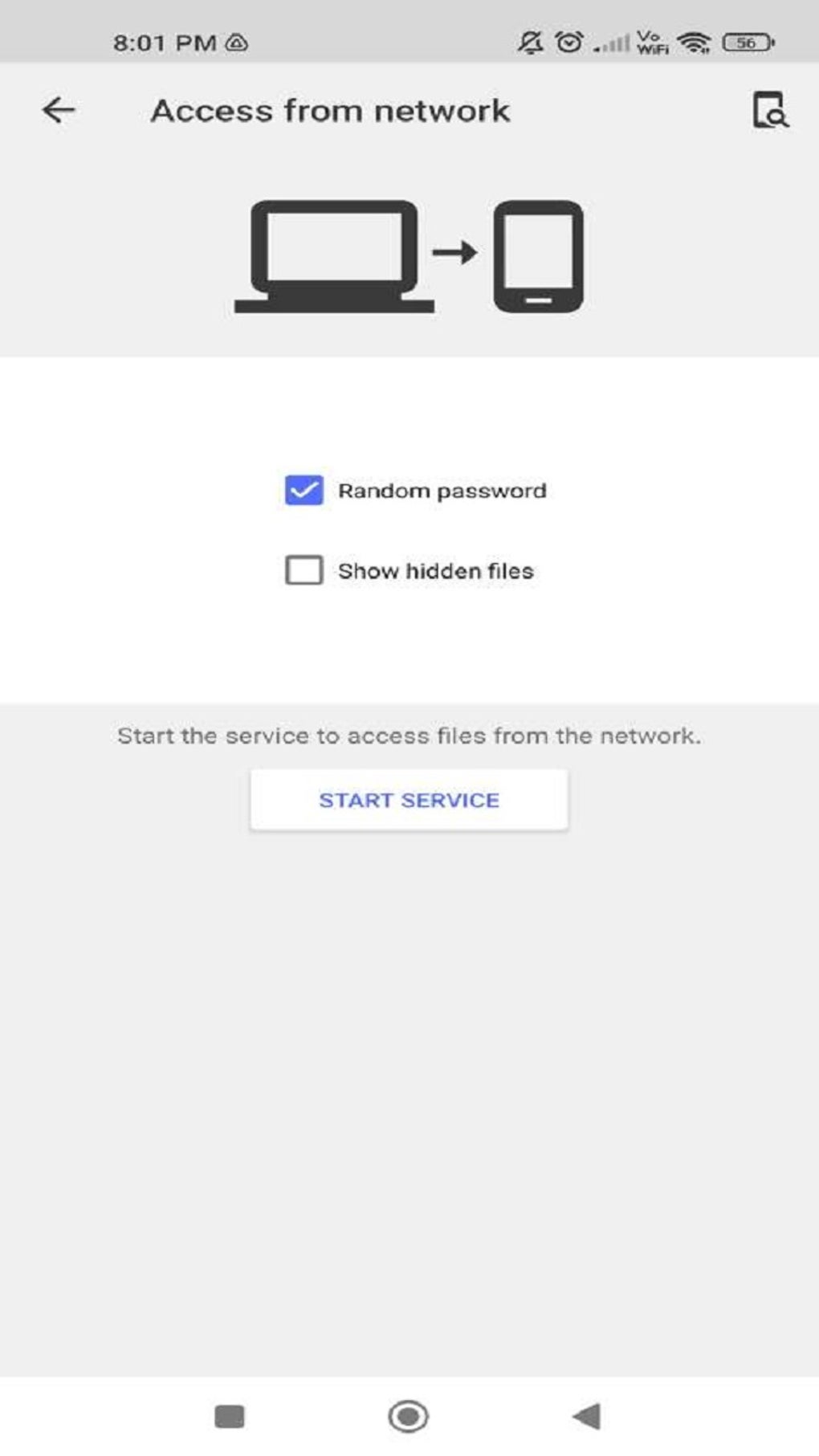
Target users include both casual and advanced Android users who seek efficient control over their files. Whether managing media libraries, transferring documents, or accessing remote servers, Cx File Explorer supports a wide range of everyday file management tasks. The app allows users to move, copy, rename, compress, extract, delete, and share files with ease. It also supports remote access to networked storage systems, including FTP, FTPS, SFTP, SMB, WebDAV, and LAN connections, making it suitable for users who work across multiple devices or require access to shared repositories.
The developer did not provide additional information about the company or background. The application is designed specifically for Android, and its interface emphasizes clarity and functionality. Real-world usage scenarios include cleaning up storage space, recovering deleted files via the built-in recycle bin, and managing large media collections. The app is available as a free download with no advertisements, enhancing the user experience without interruptions.
Key Features & Capabilities
- Desktop-like Interface: Mimics the familiar layout of Windows File Explorer and macOS Finder, enabling users to navigate files and folders with ease.
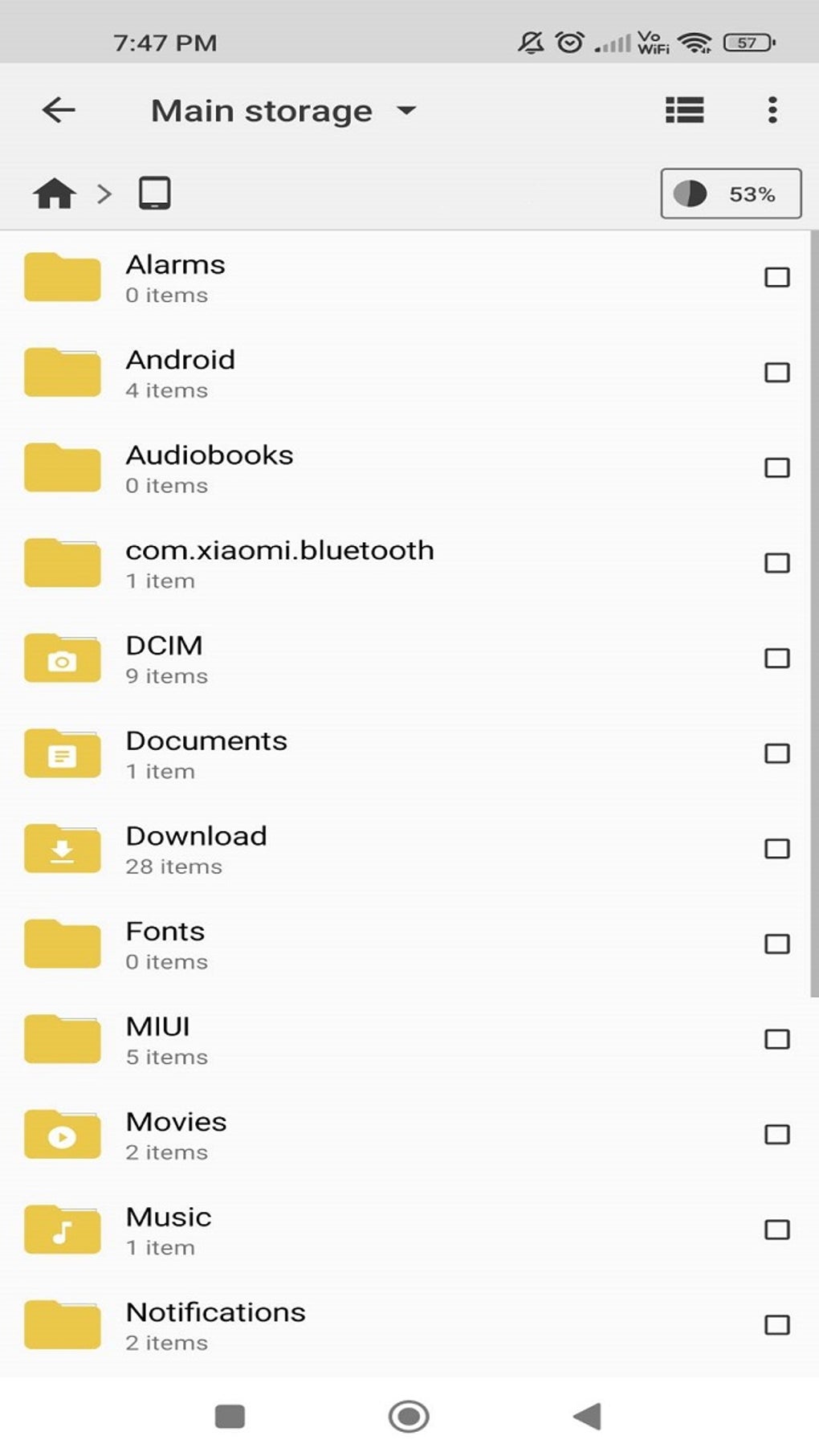
- Multi-Storage Access: Supports local storage (internal memory, SD card), downloads, applications, and the recycle bin within a single interface.
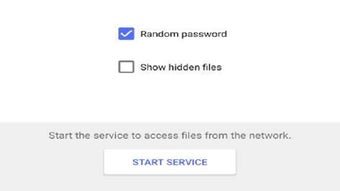
- Remote File Management: Allows access to files on remote servers via FTP, FTPS, SFTP, SMB, WebDAV, and LAN connections.
- Cloud Integration: Enables monitoring and management of files stored in cloud services, providing centralized control over digital assets.
- File Operations: Offers full functionality for moving, copying, renaming, compressing, extracting, deleting, and sharing files.
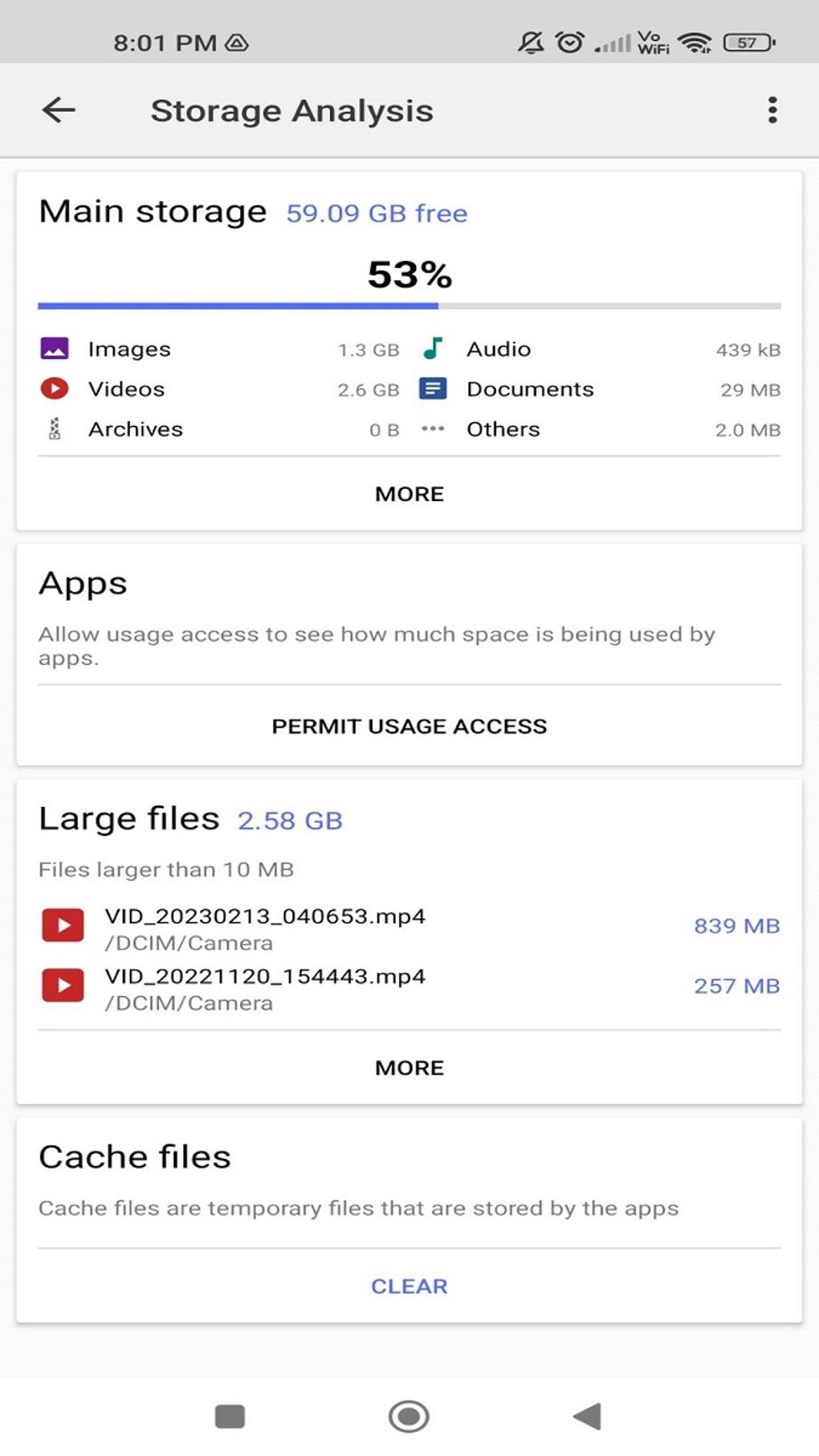
- Storage Analysis: Provides a visual representation of storage usage, allowing users to quickly identify available space and manage disk usage.
- Recycle Bin: Includes a recovery feature for deleted files, enabling users to restore accidentally removed content.
- Advanced Archive Support: Allows extraction of password-protected ZIP files, improving accessibility to secured archives.
- Storage Cleaner: Features a built-in tool to detect and remove junk files, helping free up device storage.
These capabilities make Cx File Explorer a versatile utility for managing digital content across diverse environments. For example, a user can transfer a large video file from their SD card to a networked NAS using SMB, compress it into a ZIP, and share it via a link—all within the same app. Similarly, a professional can access work files stored on a remote server while on the go, ensuring seamless productivity.
User Interface, Workflow & Performance
The user interface of Cx File Explorer is structured around three main tabs: Local, Library, and Network. The Local tab provides access to internal storage, SD cards, downloads, apps, and the recycle bin. The Library tab organizes media files such as photos, videos, and music, while the Network tab lists all configured remote connections. This layout promotes efficient navigation and logical file grouping.
Navigation is straightforward, with a clean and colorful design that emphasizes usability. However, the interface does not include a dark mode option, which may cause eye strain during low-light usage. The app requires permission to access all files on the device upon first launch, a standard security measure for full file system access.
Performance observations are based on general software behavior patterns. The developer did not specify resource usage details. No information was provided regarding CPU or RAM consumption. Stability is reported to be consistent through regular updates, which include bug fixes and minor improvements. Users can expect smooth navigation and responsive interactions under typical usage conditions.
Compatibility & System Requirements
Cx File Explorer is designed for Android devices and is available as an APK file for direct installation. The application supports a wide range of Android versions, though exact compatibility details were not listed. The installation size is not specified in the provided information.
Hardware requirements were not disclosed. The app is intended for mobile devices with standard file system access capabilities. Users are advised to ensure their device meets the minimum requirements for running Android applications, especially when accessing remote servers or handling large files.
Compatibility information was partially provided. The developer did not specify exact system requirements. Users should refer to the official source for the latest version and installation guidelines.
Pros and Cons
Pros
- Free to download and use with no advertisements
- Desktop-like interface enhances user familiarity
- Supports multiple storage types including cloud and network drives
- Comprehensive file management tools: copy, move, rename, delete, compress, extract
- Includes a recycle bin for file recovery
- Visual storage analysis for better space management
- Supports password-protected ZIP extraction
- Regular updates improve stability and performance
- Storage cleaner helps free up space
Cons
- Lacks dark mode option
- Exact system requirements not specified
- No information on CPU or RAM usage
- Interface design may appear overly bright for some users
- Remote access features require manual configuration
FAQ Section
Is Cx File Explorer available for iOS devices?
Cx File Explorer is currently designed exclusively for Android devices. There is no official version available for iOS.
Can I use Cx File Explorer without an internet connection?
Yes, the app functions fully offline for managing local files stored on internal memory or SD cards. However, remote access to network or cloud storage requires an active internet connection.
Is Cx File Explorer safe to download and install?
Yes, the app is free from ads and malware when downloaded from trusted sources. Users should always verify the authenticity of the APK file before installation.
Does Cx File Explorer support FTP and other remote protocols?
Yes, Cx File Explorer supports FTP, FTPS, SFTP, SMB, WebDAV, and LAN connections, allowing access to remote file servers and shared repositories.
How often are updates released for Cx File Explorer?
The app receives regular updates to fix bugs, improve performance, and introduce minor enhancements. The latest version includes improvements in navigation and accessibility.
Final Thoughts
Cx File Explorer stands out as a powerful, free, and user-friendly file management tool for Android users. Its desktop-like interface, comprehensive feature set, and support for remote and cloud storage make it an excellent choice for both casual and advanced users. The absence of ads and the inclusion of a recycle bin, storage cleaner, and password-protected ZIP extraction enhance its practicality and reliability.
While the lack of dark mode and unspecified system requirements are minor drawbacks, they do not significantly impact the overall experience. For anyone seeking a secure, efficient, and all-in-one file organizer on their mobile device, Cx File Explorer delivers a seamless and effective solution.
Download Cx File Explorer now to take full control of your Android files with a powerful, free, and ad-free tool.





.png)

